Torna alla lista dei post
How to add a Resume to LinkedIn in 5 Easy Steps
Ultima modifica: December 30, 2025


Knowing how to add a resume on Linkedin is essential if you want to apply faster, get noticed by recruiters, and improve your chances of landing interviews. LinkedIn has become one of the most powerful job search platforms, and uploading your resume the right way helps you stand out in a competitive market.
Whether you are actively job hunting or preparing for future opportunities, learning how to add a resume on Linkedin allows you to apply in seconds, strengthen your profile, and show recruiters exactly what you bring to the table.
In this guide, you will learn how to add a resume on Linkedin, explore different resume upload options, and discover best practices to optimize your resume for visibility and success.
Why Adding Your Resume to LinkedIn Matters
Uploading your resume on LinkedIn is more than a technical step it directly impacts how recruiters find and evaluate you. Recruiters use LinkedIn every day to search for candidates based on skills, experience, and keywords pulled from profiles and resumes.
When you upload resume on LinkedIn, you make it easier for employers to understand your background and assess your fit for a role. A resume also supports your profile by adding structured, easy-to-scan information.
Key benefits include:
- Faster job applications
- Improved recruiter visibility
- Better job-matching results
- Stronger professional credibility
Different Ways to Add Resume to LinkedIn
There is more than one way to complete a LinkedIn resume upload. Each option serves a different purpose depending on how visible you want your resume to be.
Upload Resume on LinkedIn for Job Applications
This method allows you to upload your resume when applying to jobs using Easy Apply. The resume remains private and is only shared with recruiters for that role.
Add Resume to LinkedIn Profile
You can upload your resume to the Featured section of your profile so visitors can download it directly.
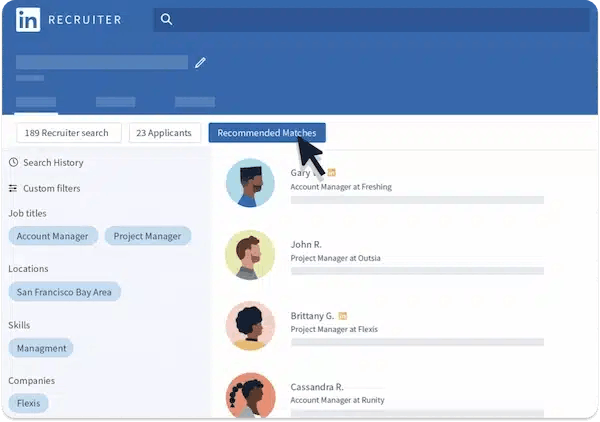
Use Resume Data for Recruiter Matching
Even when your resume is private, LinkedIn uses its data to improve job recommendations and recruiter searches.
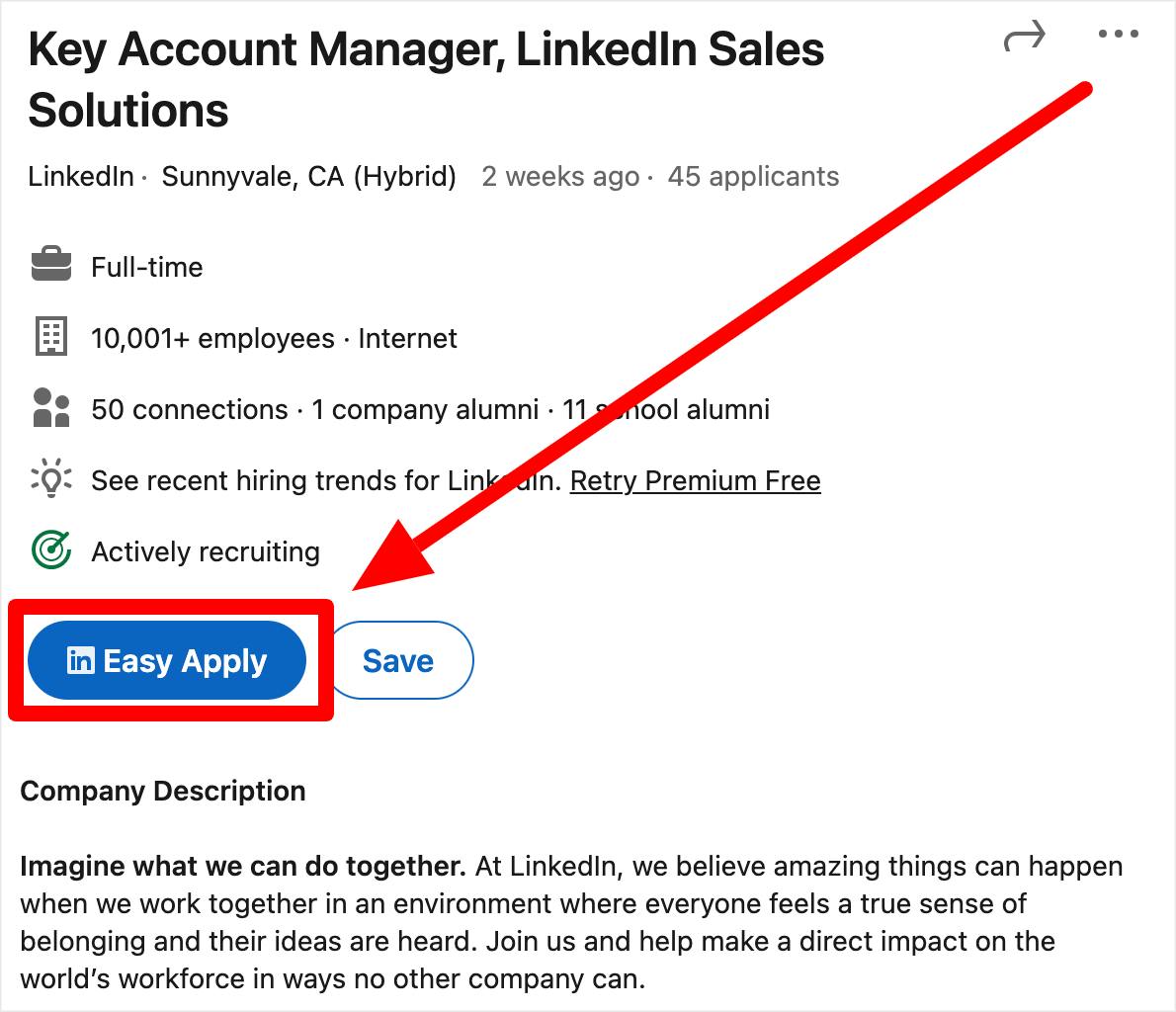
Step-by-Step: How to Add Resume to LinkedIn Using Easy Apply
This is the most common and recommended method.
Step 1: Log in to LinkedIn
Sign in to your LinkedIn account on desktop or mobile.
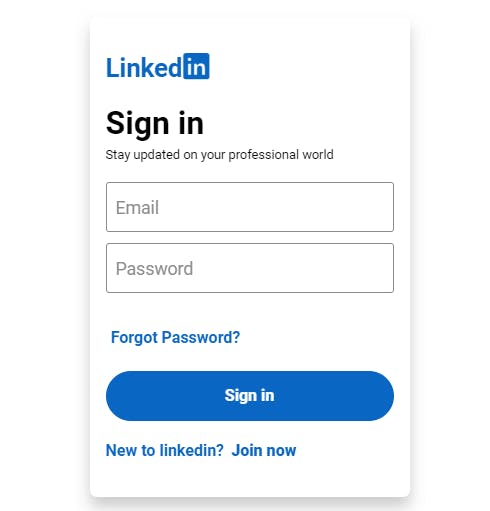
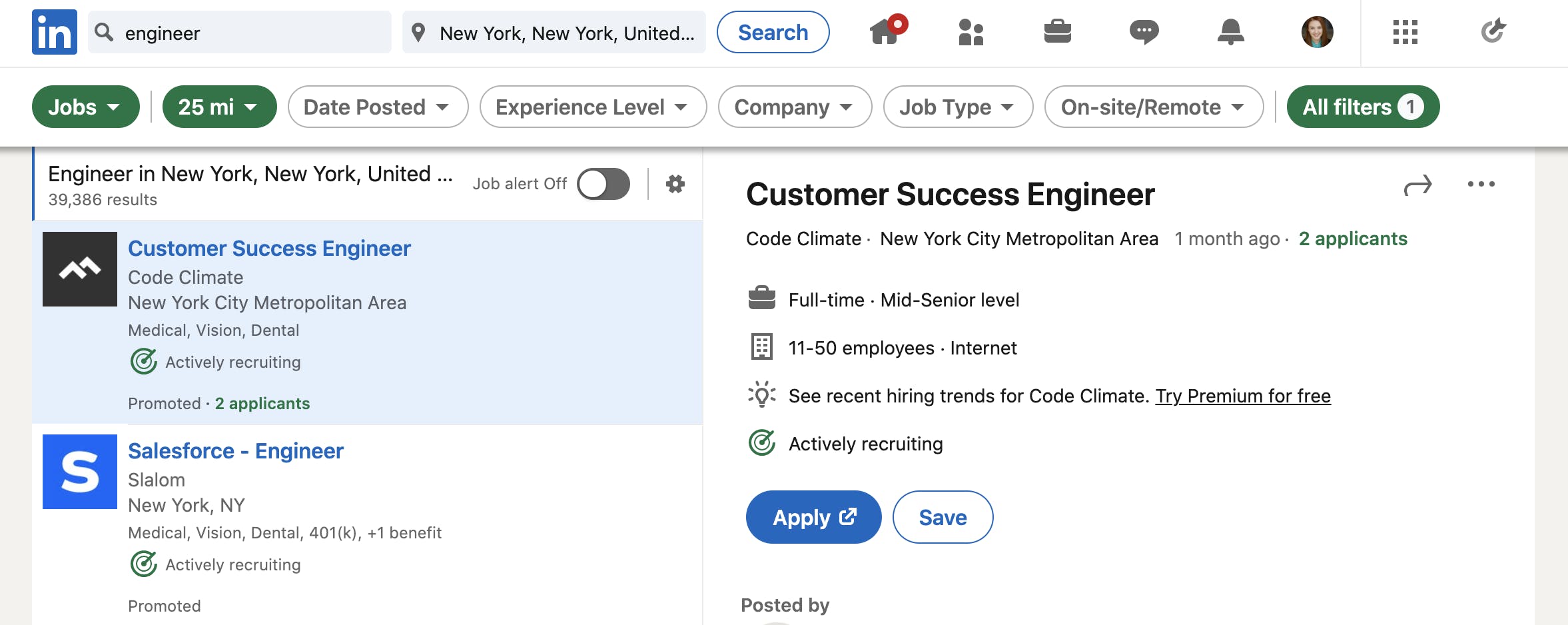
Step 2: Click on the Jobs Tab
Navigate to the Jobs section from the top menu.
Step 3: Choose an Easy Apply Job
Select a job listing labeled “Easy Apply.”
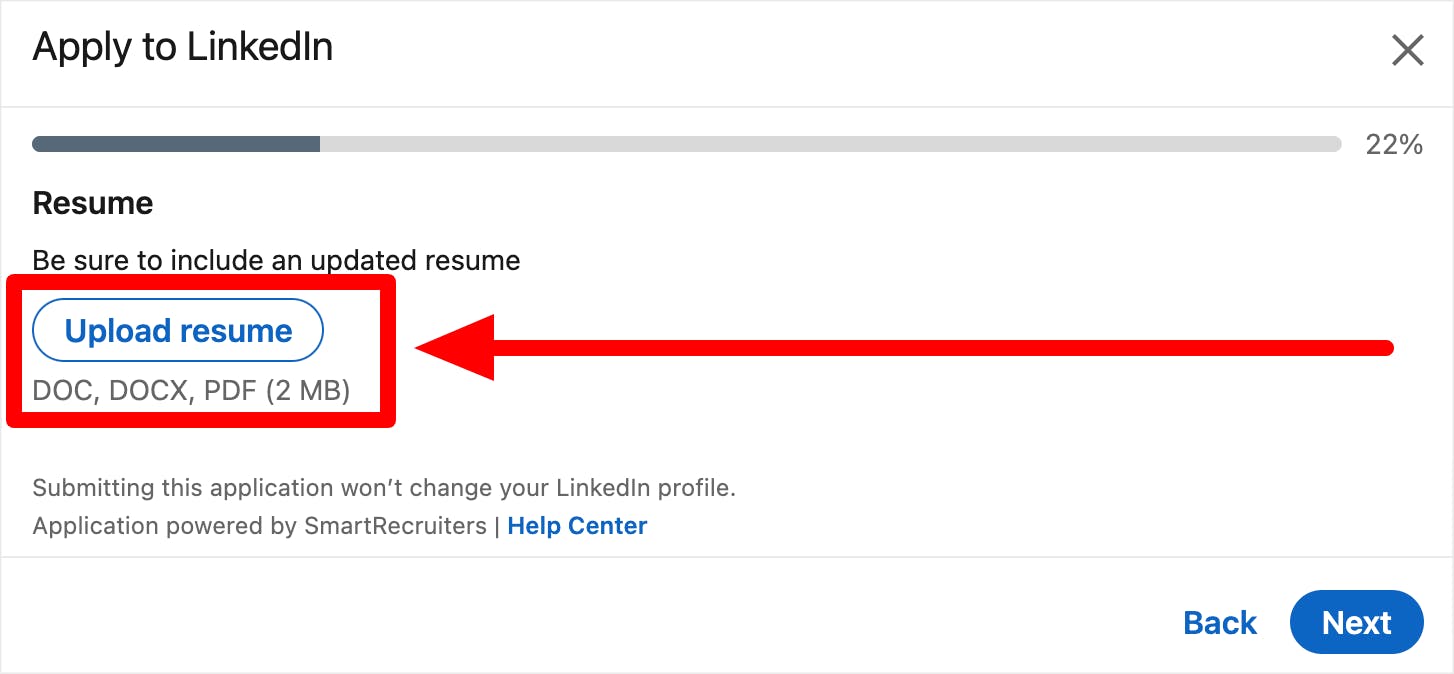
Step 4: Upload Your Resume
Click “Upload Resume” and select your file.
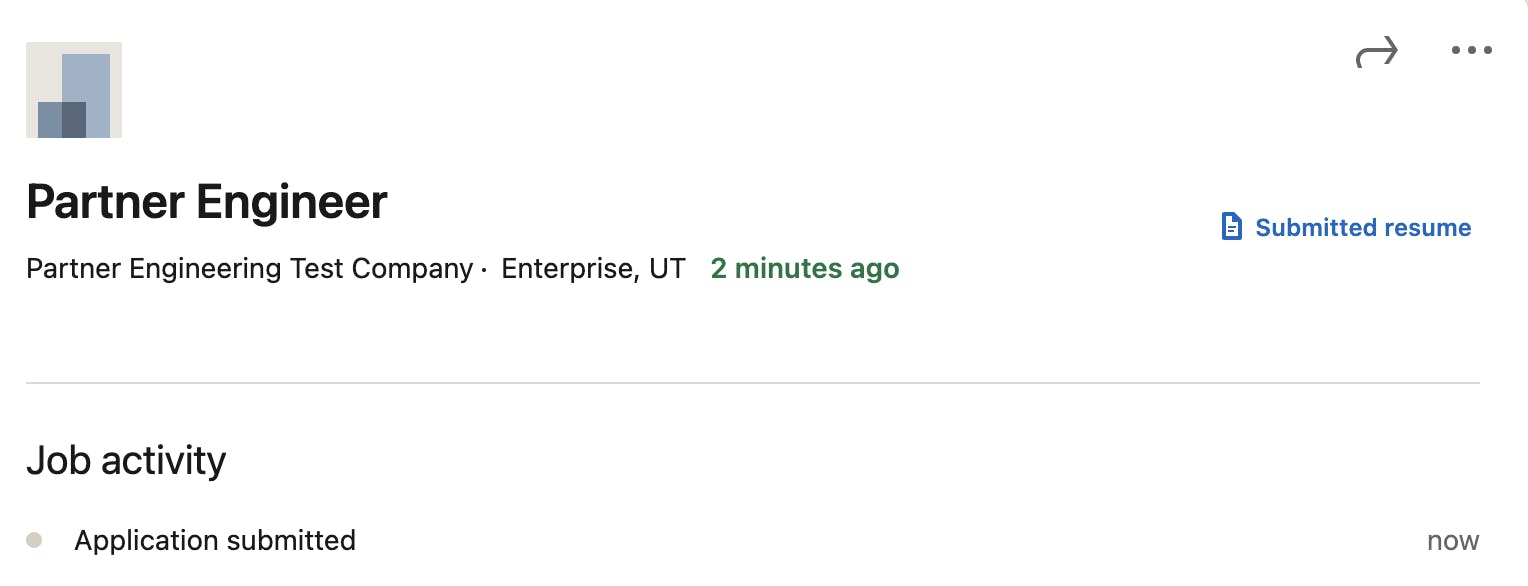
Step 5: Submit Your Application
Review your information and submit your application.
How to Add Resume to LinkedIn Profile (Featured Section)
Adding a resume to your profile helps with visibility and personal branding.
Steps:
- Go to your profile
- Click “Add profile section”
- Select “Featured”
- Upload your resume file
- Add a clear title and description
This method works well alongside strong personal branding, especially if you want recruiters to download your resume directly.
Best Practices for LinkedIn Resume Upload
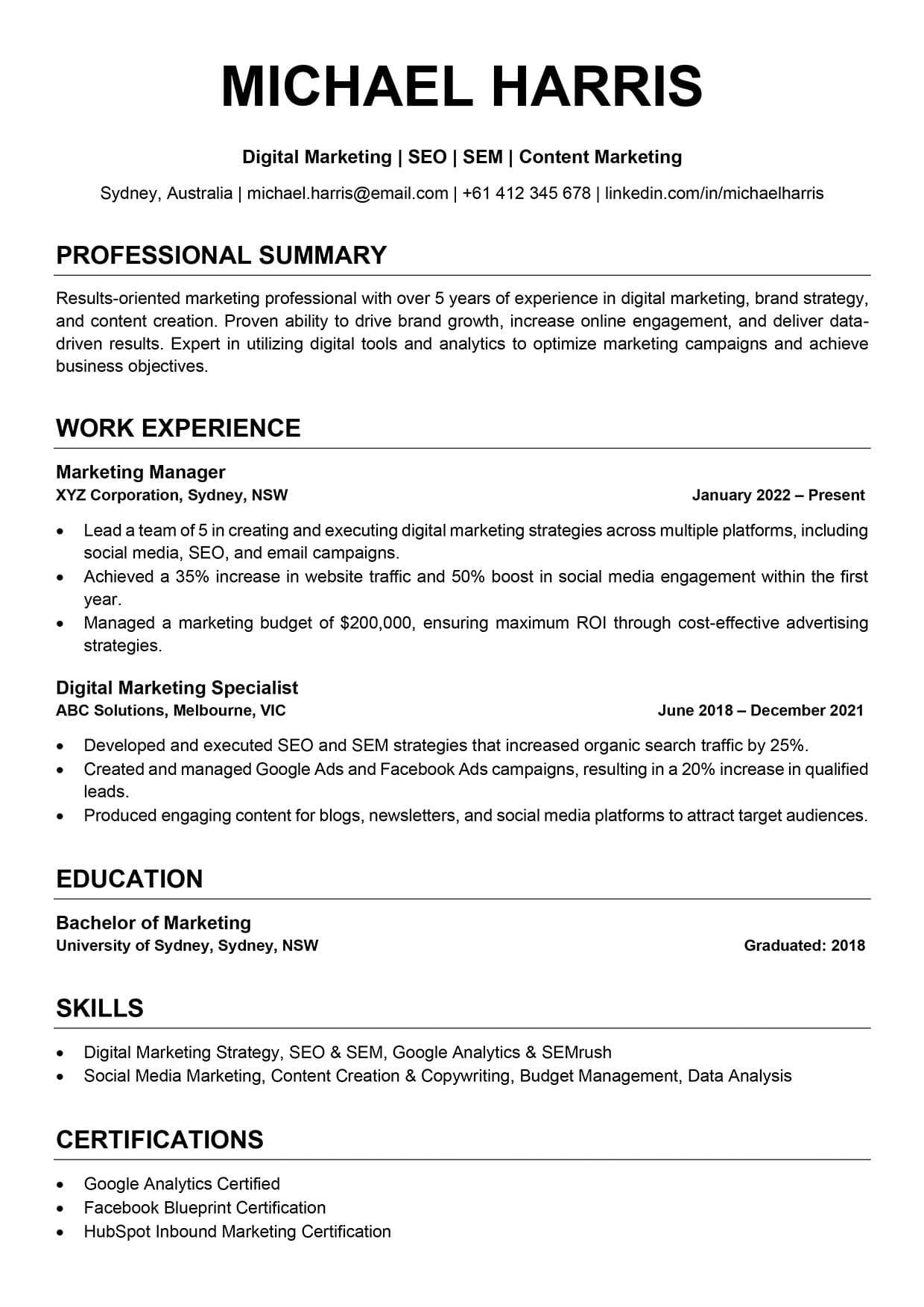
To get the most value from your LinkedIn resume upload, follow these best practices:
- Use a clean, ATS-friendly format
- Keep file size under 2MB
- Use a professional file name
- Match resume details with your profile
- Update your resume regularly
Applying solid resume writing tips ensures your resume performs well both for humans and systems.
What to Add on a Resume Before Uploading It to LinkedIn
Knowing how to add resume to LinkedIn is important, but the content of your resume matters just as much. Before uploading your resume on LinkedIn, make sure it includes the right information.
A strong resume should clearly highlight:
- Work experience
- Education
- Skills
- Key achievements
- Certifications (if relevant)
If you are unsure whether your resume includes everything recruiters expect, this guide on what to add on a resume explains each section in detail and helps you prepare a resume that is ready for LinkedIn.
Best Practices for LinkedIn Resume Upload
To get the most value from your LinkedIn resume upload, follow these best practices:
- Use a clean, ATS-friendly format
- Keep file size under 2MB
- Use a professional file name
- Match resume details with your profile
- Update your resume regularly
Applying solid resume writing tips ensures your resume performs well both for humans and systems.
What to Add on a Resume Before Uploading It to LinkedIn
Knowing how to add resume to LinkedIn is important, but the content of your resume matters just as much. Before uploading your resume on LinkedIn, make sure it includes the right information.
A strong resume should clearly highlight:
- Work experience
- Education
- Skills
- Key achievements
- Certifications (if relevant)
If you are unsure whether your resume includes everything recruiters expect, this guide on what to add on a resume explains each section in detail and helps you prepare a resume that is ready for LinkedIn.
Highlight Your Soft Skills on Your LinkedIn Resume
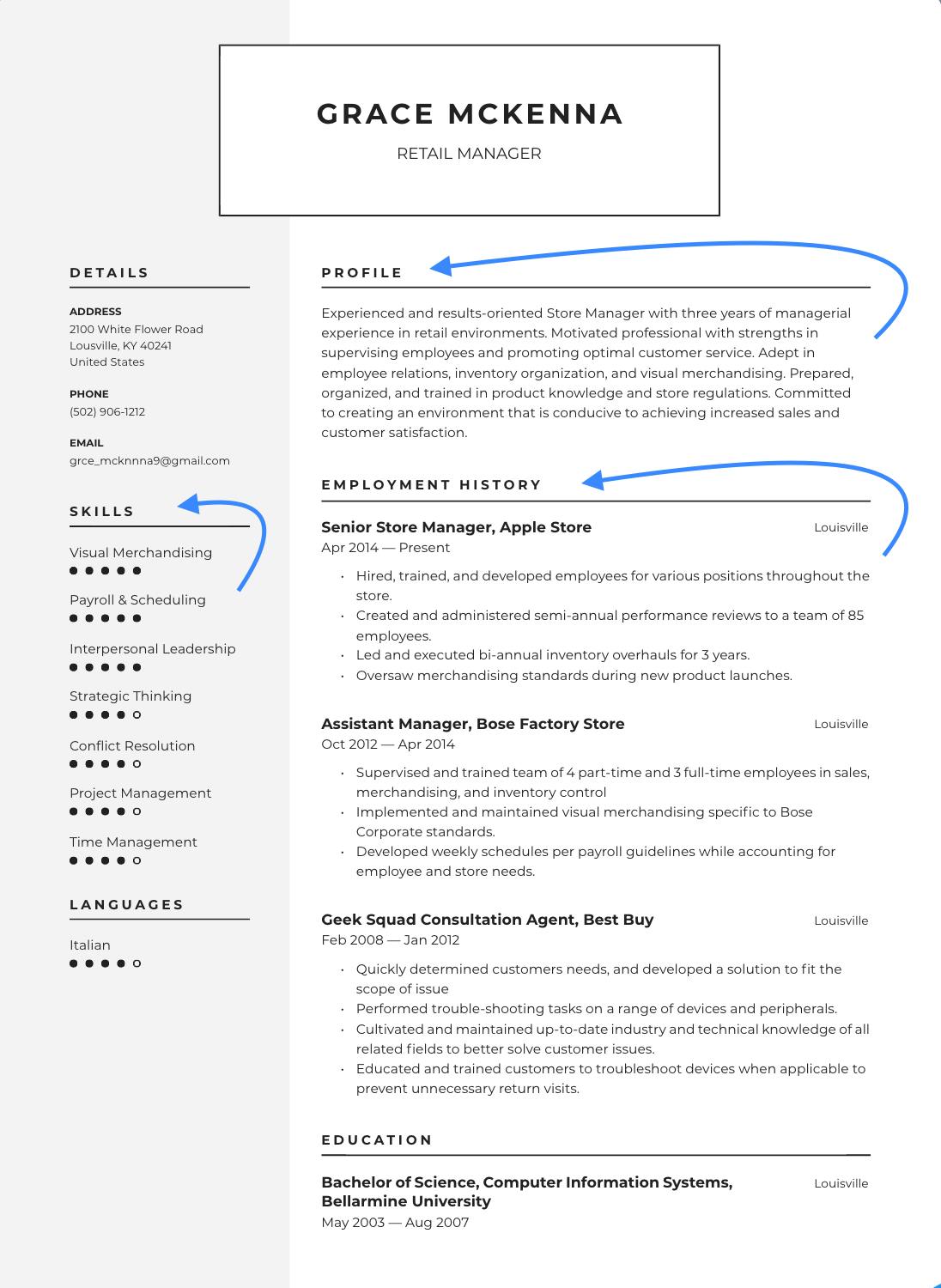
Recruiters look beyond technical skills. Soft skills show how you work, communicate, and adapt in professional environments.
When you upload resume on LinkedIn, highlight soft skills such as:
- Communication
- Teamwork
- Adaptability
- Problem-solving
- Time management
Support these skills with real examples. For a deeper breakdown of in-demand abilities, explore our full guide on soft skills.
Common Mistakes to Avoid When Uploading Your Resume
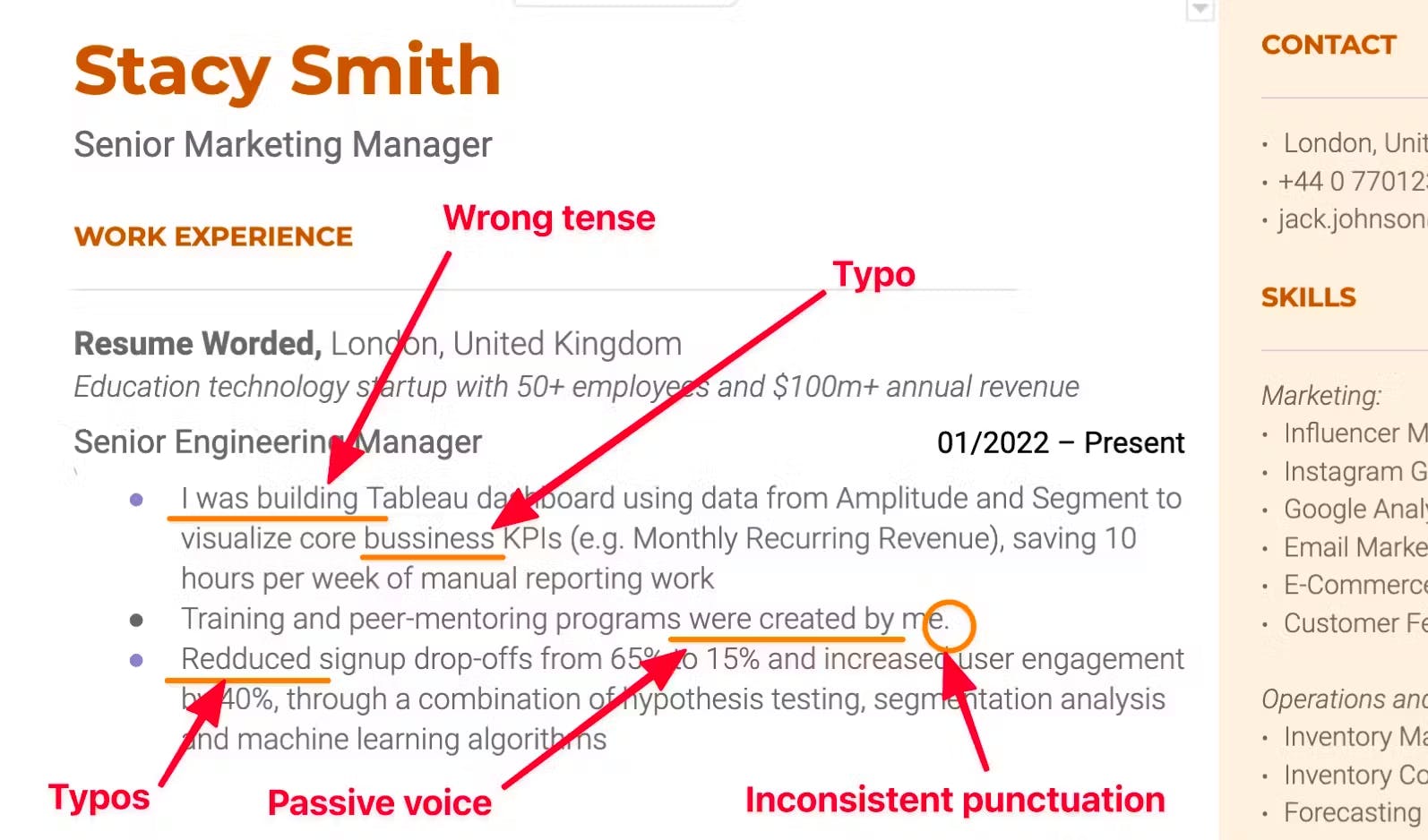
Avoid these mistakes when learning how to upload resume to LinkedIn:
- Uploading outdated resumes
- Using generic file names
- Making resumes public unintentionally
- Including unnecessary personal data
- Ignoring keyword optimization
Correcting these errors improves your overall job search strategies and success rate.
How Recruiters Use Your Resume on LinkedIn
Recruiters use LinkedIn to:
- Search by skills and keywords
- Compare profiles and resumes
- Shortlist candidates quickly
Uploading a strong resume supports LinkedIn profile optimization and increases your chances of appearing in recruiter searches.
Final Thoughts
Learning how to add resume to LinkedIn helps you apply faster, appear more professional, and improve your job search results. Whether you upload your resume for applications or add it to your profile, doing it correctly makes a real difference.
Take the time to optimize your resume, highlight your soft skills, and ensure your profile supports your career goals. Small improvements today can lead to big opportunities tomorrow.
Domande Frequenti
Can I upload multiple resumes on LinkedIn?
Yes, LinkedIn allows multiple resumes for different job applications.
Is my resume public by default?
No. Resumes uploaded via Easy Apply remain private.
Is LinkedIn resume upload free?
Yes, it is completely free.
What skills should I include on my LinkedIn resume?
You should include both technical skills and soft skills on your LinkedIn resume. Employers look for a balance between what you can do and how you work. Highlighting communication, teamwork, and adaptability makes your resume more competitive.