Turn Every MWC Barcelona Handshake Into a Lead
Mobile World Congress 2026 means thousands of contacts across Fira's halls. Don't lose a single lead. Scan, organize and follow up in seconds. Works offline in WiFi dead zones.
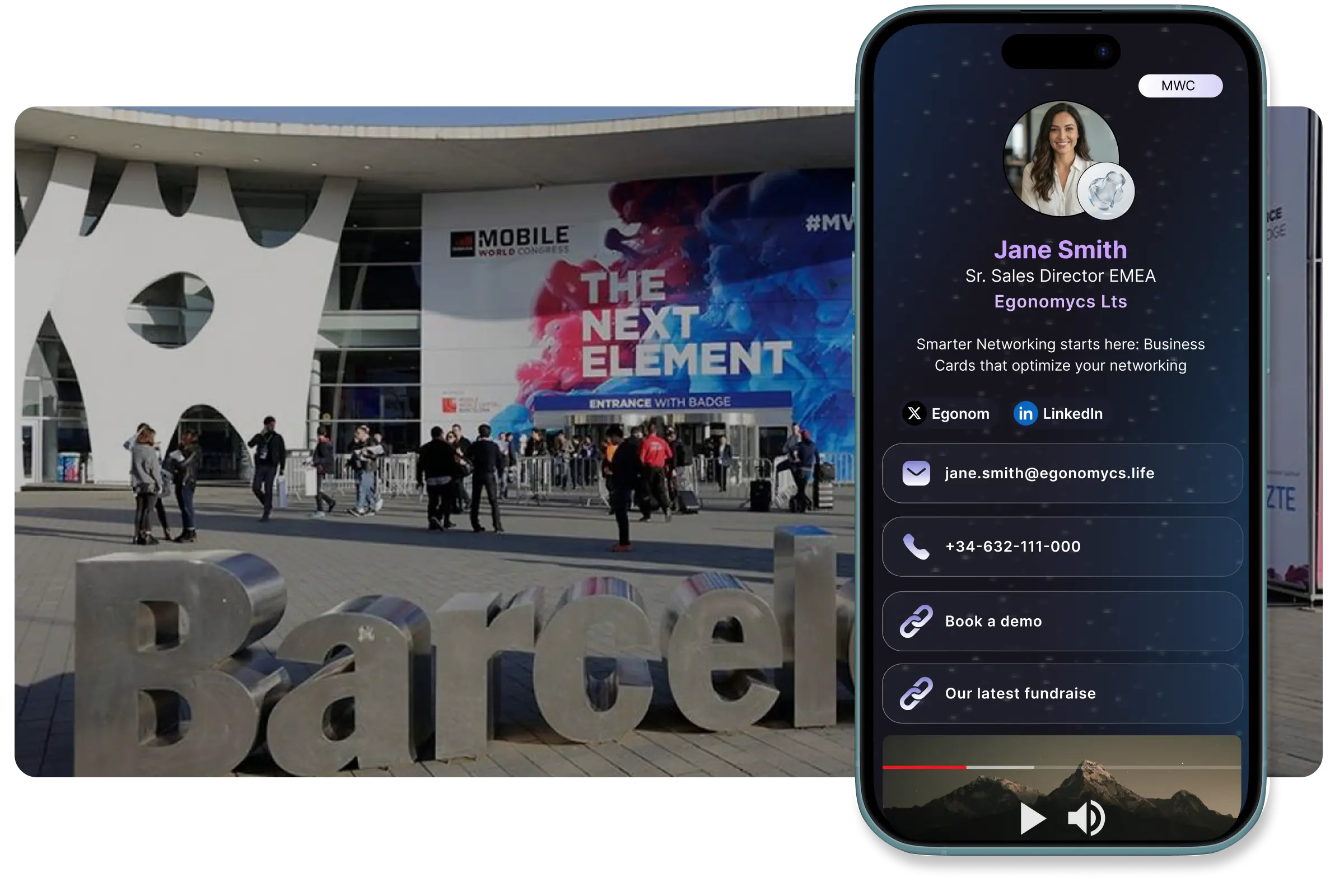
Capture Every MWC Contact Instantly
Walking the 240,000 sqm of Fira? From handshake to saved contact in under 5 seconds across all 8 halls. No manual typing required.
Scan Paper Cards at MWC
Mobile World Congress may showcase 5G and AI, yet 80% of attendees still carry paper cards. Our AI-powered OCR extracts all details instantly. Works in Spanish, Catalan, Chinese, and 47+ languages.
Scan QR Codes
Instantly capture digital business cards from other apps by scanning QR codes. Perfect for quick exchanges between keynote sessions.
5-Second Capture at Scale
Meet someone at Hall 1, scan their card, add notes about your conversation, tag them by interest—all in under 5 seconds. Repeat 100+ times per day at MWC.
Remember Every Barcelona Meeting
With 100,000+ attendees at MWC Barcelona, you'll meet dozens daily. Remember every detail with instant notes, auto-tagging, and context about where you met (Hall 3 booth? Networking dinner at Port Vell?).
Scan any card, badge or QR code with our AI scanner
Organize 100+ MWC Leads Daily
Mobile World Congress runs March 2-5, 2026. Don't let hot Barcelona leads go cold. Add notes, tag contacts, and follow up faster than competitors.
- Instant Notes After Every Meeting
Just met a potential partner at Hall 3? Add notes immediately: 'Interested in 5G solutions, follow up about Q3 pricing, met at Qualcomm booth.' Remember key details from 100+ MWC conversations.
- Tag by MWC Context
Tag leads by priority, hall location, or interest area: 'Hot Lead - 4YFN Startup', 'Partner Opportunity - Hall 8', 'Press Contact - Media Zone'. Filter and sort to focus on high-value Barcelona contacts.
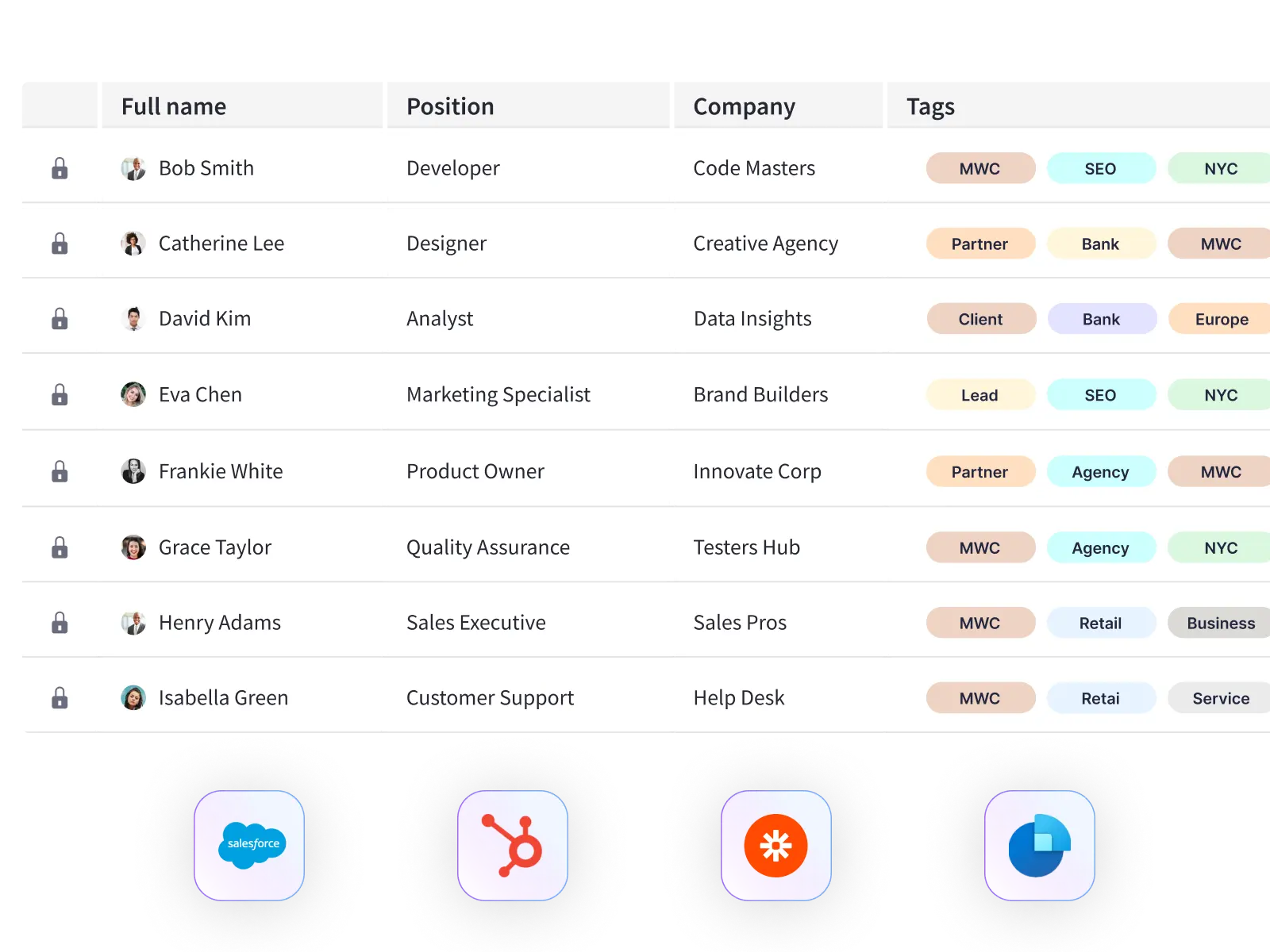
- Export All MWC Contacts to CRM
Back at your Barcelona hotel or on the flight home? Export all Mobile World Congress contacts to Salesforce, HubSpot, or any CRM in one click. Or download as CSV for your sales team.
- Follow-Up Before They Forget You
Set reminders to follow up within 48 hours of MWC. Strike while the iron is hot—before they meet 500 other vendors at Fira Gran Via and forget your conversation.
For Companies Exhibiting at MWC Barcelona
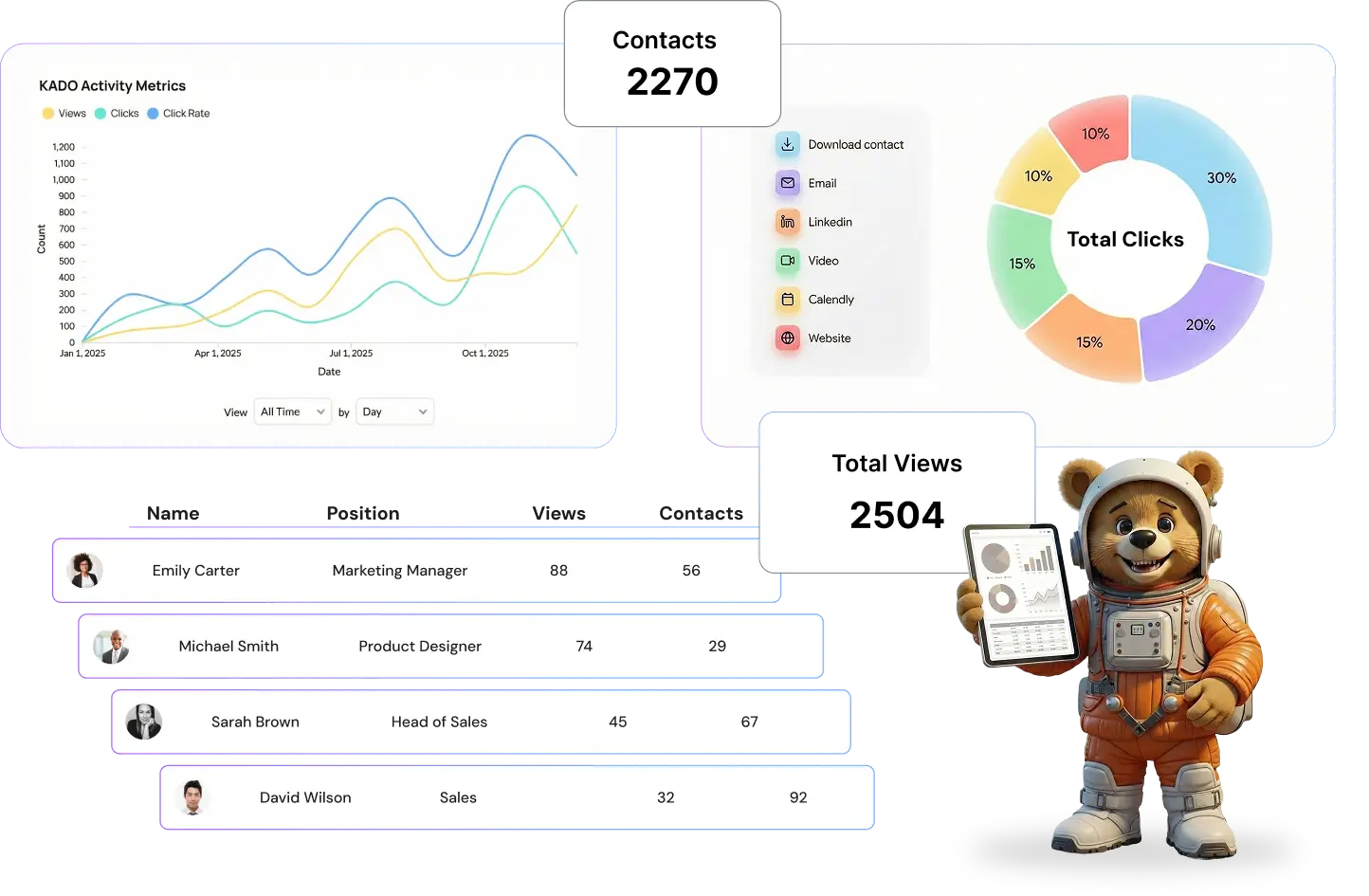
Sending 5, 10, or 20 reps to Mobile World Congress? Measure your MWC ROI. See how many leads each rep captured across Fira Gran Via's halls and ensure brand consistency.
Track Your MWC Team
Admin dashboard shows all team members at Mobile World Congress, total leads captured per day (March 2-5), and individual performance metrics. See who's crushing it at Hall 3 vs. who needs coaching.
MWC Lead Analytics
Track leads per rep, per hall, per day at MWC Barcelona. Identify top performers and optimize your booth strategy in real-time. Export all 500+ MWC contacts to your CRM after the event.
Branded Cards for MWC
Ensure every team member at your Fira Gran Via booth shares branded digital cards with your company logo, MWC booth number (e.g., 'Hall 3, Booth 5A23'), and consistent messaging.
Secure Team Management
Manage team permissions for your MWC delegation. Control who can edit cards, access lead data, and maintain security across your organization during and after Mobile World Congress.
50,000+ professionals across 70+ countries
Trusted by teams at:
















Frequently Asked Questions
Everything you need to know about using KADO at MWC 2026
Yes! You may access the app offline. Plus, we have an offline QR (vcard) that allows you to share your contact in dead-wifi areas of the MWC arena.
Absolutely. KADO's AI-powered OCR recognizes business cards in 50+ languages, including English, Spanish, Catalan, Chinese, Japanese, Arabic, and more. Perfect for international events like MWC.
No. When you share via QR code or NFC, recipients don't need any app. They simply scan your QR or tap their phone, and your contact details open in their browser. They can save you to their phone contacts with one tap.
Under 10 seconds. Open the app, tap scan, take a picture of the card, and in a couple of seconds we will turn it into a contact. You can immediately add notes and tags. Most users capture 50-100 contacts per day at busy trade shows.
Yes. KADO integrates with Salesforce, HubSpot, Dynamics, and other major CRMs. You can also export all contacts as CSV or vCard format to import anywhere.
You can print your KADO QR code on a badge, flyer, or NFC card before the event. People can still scan it to get your contact details even if your phone is dead. We also offer NFC cards and badges for this reason.
No limits. Free users get unlimited contact scanning and storage. Premium plans add features like CRM integration, team management, and advanced analytics.
Yes. We offer team plans with centralized admin dashboards, lead analytics, and brand consistency controls. Perfect for companies sending multiple reps to Mobile World Congress.
Very secure. All data is encrypted in transit and at rest. We're GDPR compliant and SOC 2 certified. You own your data and can export or delete it anytime.
Absolutely. Download the app now and start using it immediately. The free plan includes most core features. Test it at smaller meetings before the big event.
Going to MWC 2026? Set Up Your Digital Card in 60 Seconds
Join 500,000+ professionals who never lose a contact at events. Free to start, no credit card required.
✓ Forget about post-admin work ✓ Get to enjoy MWC!