Go back to list of posts
What’s New at KADO — January 2026: Team Updates & more
Last modified: January 21, 2026


At KADO digital business cards, we’re constantly building new features that make professional networking simpler, faster, and more impactful. Over the past few weeks, we’ve rolled out several new features and improvements across web and app—designed to help you capture contacts effortlessly, stay organized, and manage your digital presence with confidence.
Here’s a full breakdown of what’s new (and what’s coming next).
The Latest KADO Product Updates and New Features
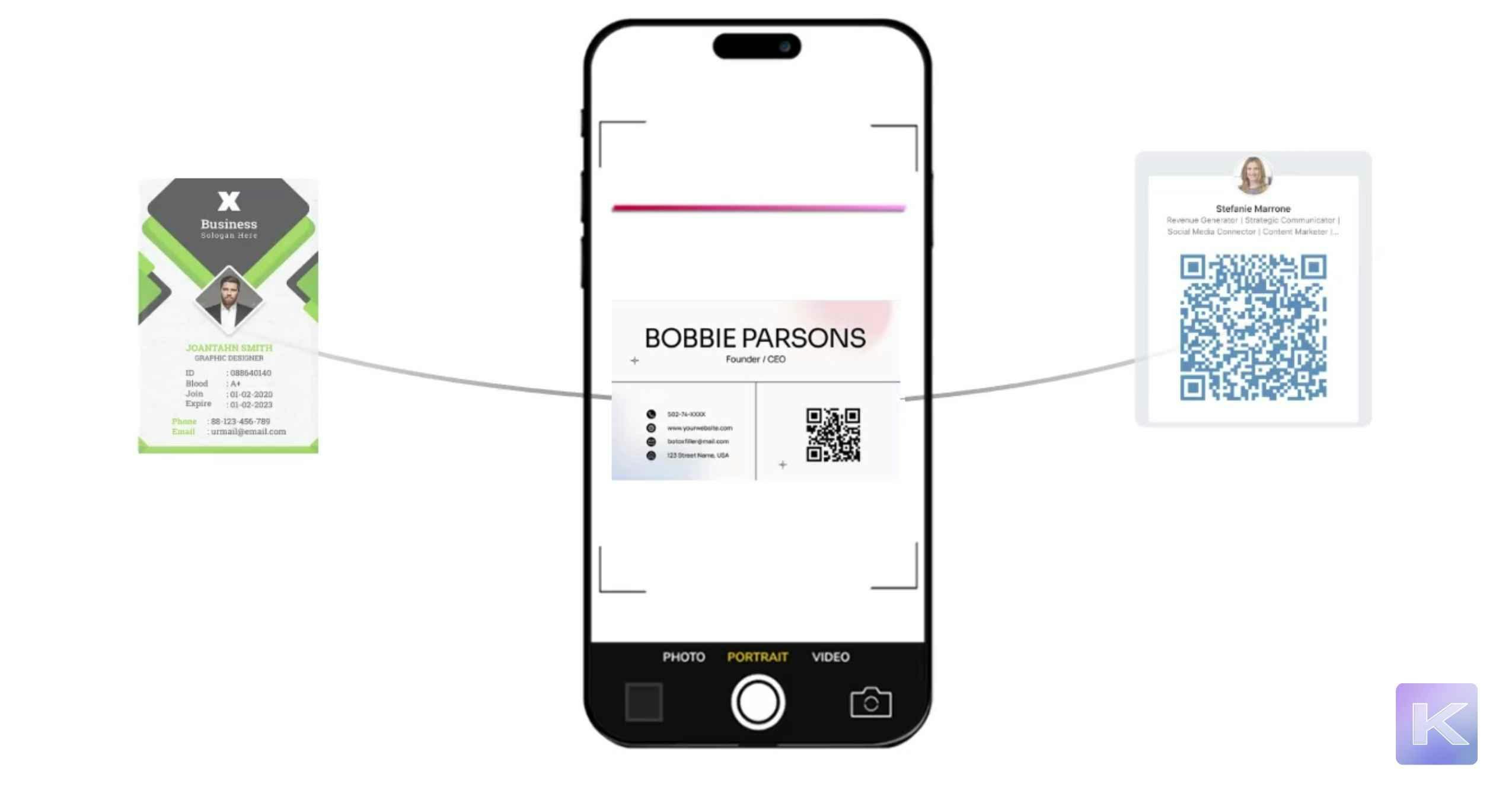
AI Scanner (Beta): Capture Contacts in Seconds
Say goodbye to manual data entry.
With the new AI Scanner (Beta), you can scan:
- Paper business cards
- Event badges
- QR codes
In just seconds, contact details are added directly to KADO—clean, accurate, and ready for follow-up. It’s the fastest way to turn in-person connections into actionable digital contacts, especially after busy meetings or events.
Contact Tags: Organize Your Network Your Way
Your network isn’t one-size-fits-all—and now your organization doesn’t have to be either.
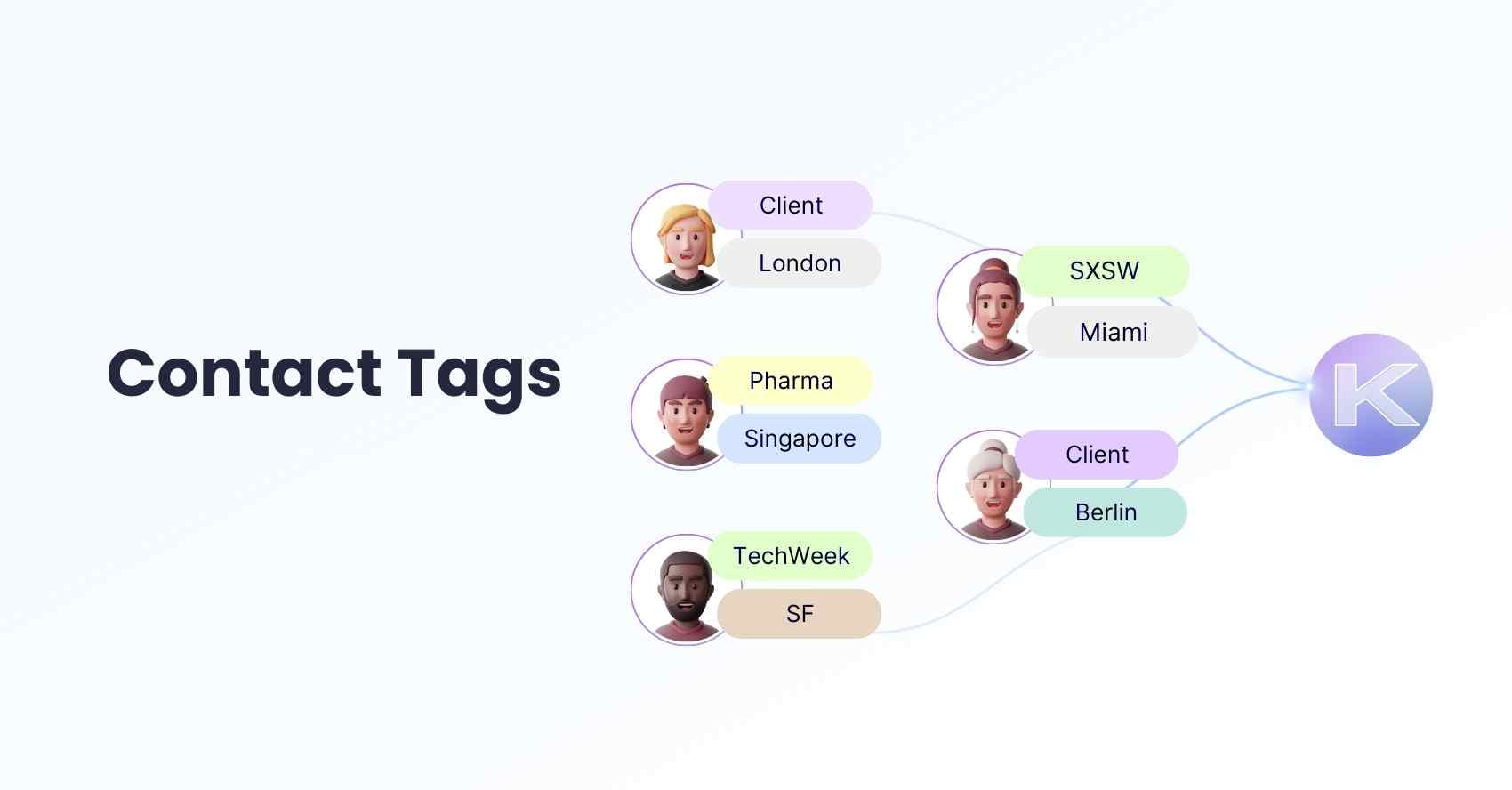
With Contact Tags, you can categorize contacts by:
- Event
- Industry
- Priority
- Or any custom label you choose
This makes it easy to filter, search, and focus on the right people at the right time.
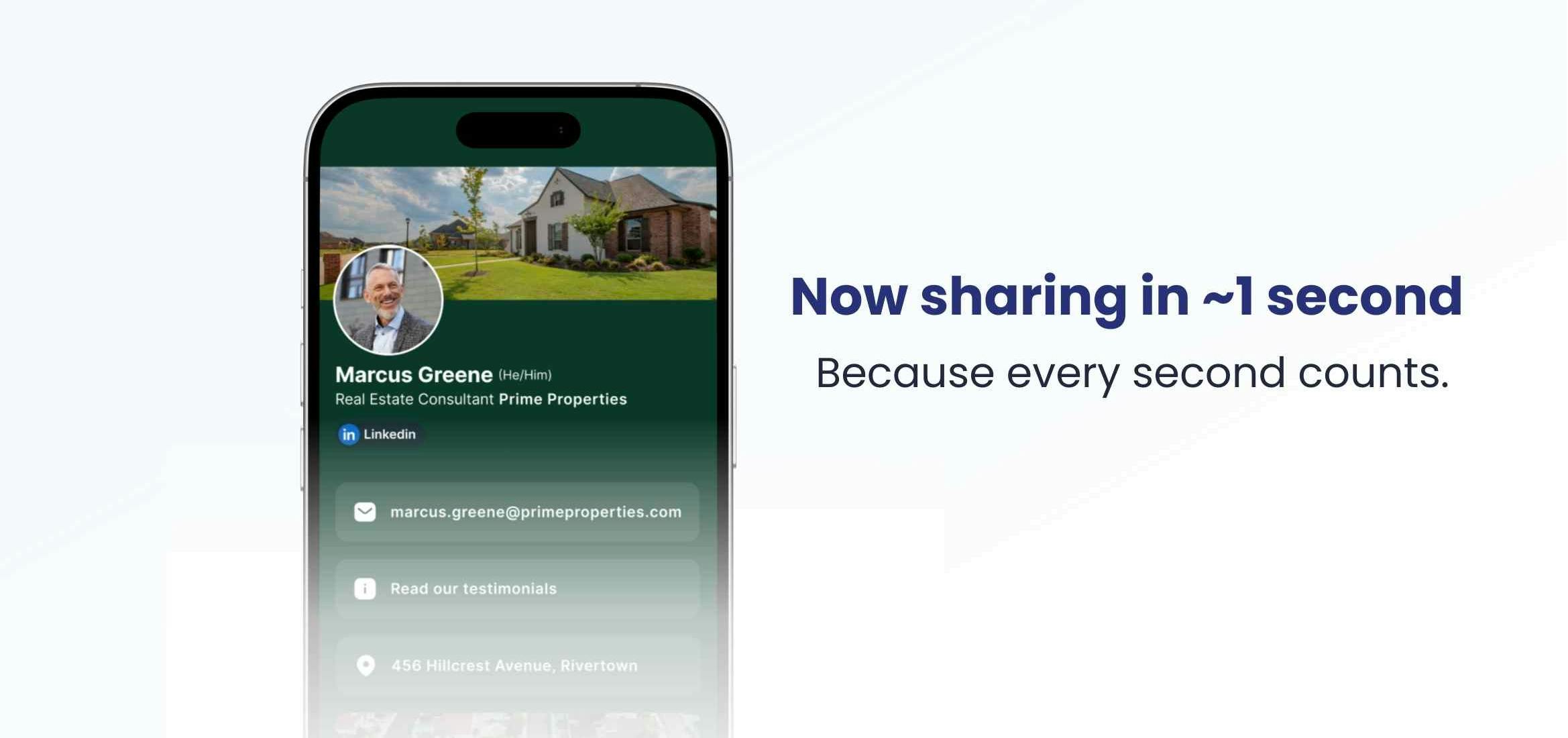
Faster Card Sharing (Now ~1 Second)
First impressions matter—and speed plays a big role.
We’ve improved digital business card load times so sharing now takes about 1 second instead of 2–3. That means smoother interactions, less waiting, and a more polished experience every time you share your card.
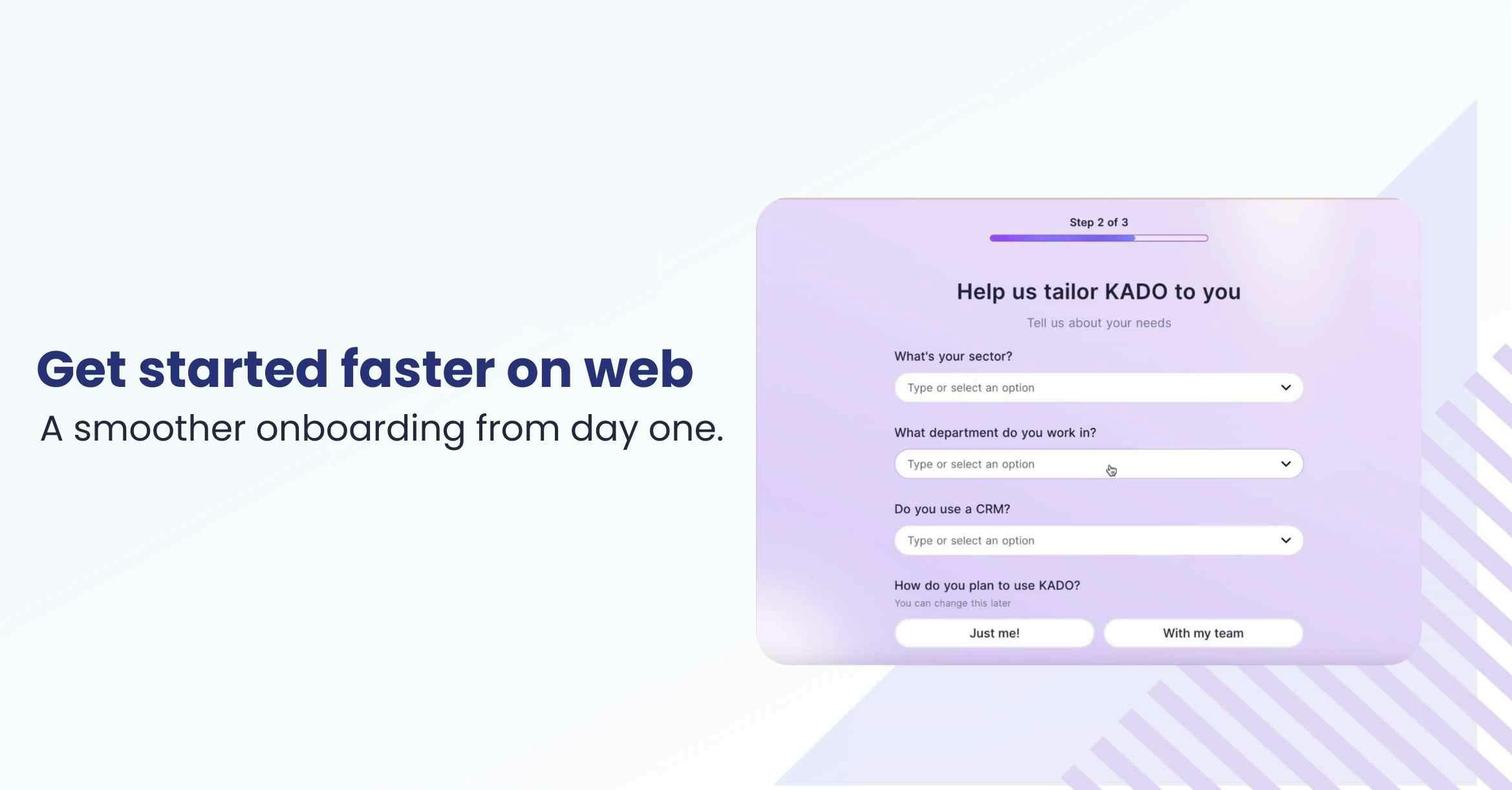
New Web Onboarding Experience
We’ve redesigned web onboarding to help new users get set up faster and start sharing confidently from day one. Whether you’re new to KADO or inviting teammates, getting started is now easier than ever.
Billing Powered by Stripe
We’ve partnered with Stripe to power all KADO billing.
What this means for you:
- Secure payments
- Clear invoices
- Easy subscription management
You can now access the Stripe customer portal directly from your Subscription settings for full transparency and control.
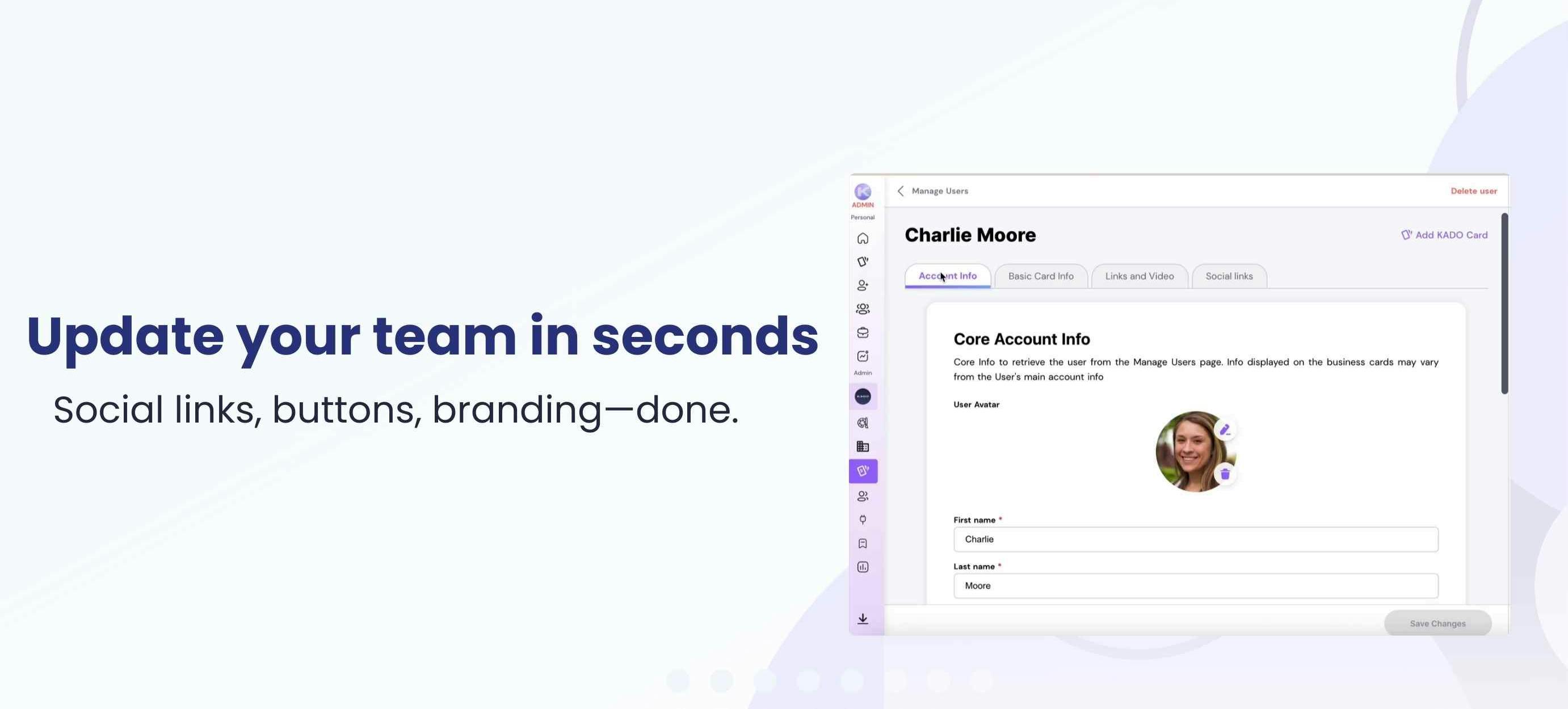
More Powerful Admin Controls for Teams
Managing teams just got easier.
Admins can now:
- Update employee social links
- Edit custom buttons
- Maintain consistent branding across the team
All directly from the admin panel—no back-and-forth required.
A Refreshed Web Experience: Individual & Team Modes
Our web app now supports two tailored experiences:
- Individual Mode for solo professionals
- Team Mode for organizations
You can switch between modes at any time, allowing KADO to adapt as your needs evolve—from personal networking to full team management.
Not sure which mode is right for you? These short videos walk you through each experience and show exactly what changes when you switch modes.
Coming Soon: What We’re Building Next
We’re just getting started. Here’s a preview of what’s on the way:
Tag Campaigns & New Email Signatures
Use tags to trigger campaigns and access redesigned email signatures—helping you activate your network more effectively.
Content Enrichment (Beta) — Web Only
We’re testing a new assistant that automatically enriches contact details. While still in early beta, you’ll begin to notice small improvements when managing contacts on the web.
Built to Grow With You
Every update we ship is focused on one goal: helping you build, manage, and grow meaningful professional connections—without friction.
If you haven’t explored these updates yet, now’s the perfect time to log in and see what’s new.