Zurück zur Beitragsliste
What Is Contact Automation? A Guide for Business Leaders
Zuletzt geändert: June 3, 2026


Contact automation involves AI, workflow orchestration, and system integrations to handle contact tasks beyond simple chatbots. It improves efficiency, data accuracy, and customer experience by automating end-to-end processes and seamless human handoffs. Implementing integrated, context-aware systems and tracking key metrics ensures automation delivers tangible organizational benefits.
Most professionals hear “contact automation” and picture a chatbot answering FAQs. That mental image captures about 10% of what contact automation actually does. The real definition, often called contact center automation or contact management automation in industry parlance, spans AI-driven intent recognition, workflow orchestration, backend CRM integration, and omnichannel coordination. If your organization handles high volumes of client communication, partner outreach, or internal contact management, understanding what is contact automation in its full scope is not optional. It directly determines how efficiently your team operates and how well your contacts experience working with you.
Key Takeaways
| Point | Details |
|---|---|
Beyond chatbots | Contact automation includes IVR, RPA, intelligent routing, and full workflow orchestration, not just conversational bots. |
Backend integration matters | Connecting automation to CRM and ticketing systems is what turns simple replies into end-to-end resolutions. |
AI interprets intent | Natural language processing allows automation to route, respond, and escalate based on what a contact actually needs. |
Human handoffs need design | Smooth escalation from machine to human preserves trust and prevents the experience from breaking down. |
Measure from the start | Tracking resolution rates, handling time, and CRM data accuracy reveals whether your automation is working. |
What is contact automation, really?
Contact automation is the practice of using AI, workflow logic, and software integrations to handle contact-related tasks that would otherwise require manual human effort. The industry term is contact center automation, but the concept applies equally to internal contact management, sales follow-up, and professional networking workflows.

Contact center automation spans both front-office interactions (chatbots, intelligent IVR) and back-office workflows (CRM updates, ticketing). That distinction matters. A chatbot that answers “What are your hours?” is automation in the narrowest sense. A system that captures a new contact at a trade show, enriches their CRM record, triggers a follow-up sequence, and flags the account for a sales rep when engagement scores hit a threshold, that is full-stack contact automation.
The core components you will encounter include:
- Chatbots and virtual agents: Handle conversational queries across chat, email, and messaging channels
- Interactive Voice Response (IVR): Guides callers through self-service menus and routes to the right team
- Robotic Process Automation (RPA): Executes repetitive backend tasks like updating records or transferring data between systems
- Intelligent call routing: Directs contacts to the right agent based on skill, history, or intent
- Workflow orchestration platforms: Coordinate multi-step processes triggered by contact events
Integration with backend systems like CRM databases and knowledge bases is what elevates automation from surface-level to genuinely useful. Without it, your bots hold conversations. With it, they resolve issues and update records in real time.
Pro Tip: Before evaluating any contact automation tool, map out where your team spends the most time on repetitive contact tasks. The biggest ROI comes from automating those specific friction points first, not from deploying every feature at once.
How contact automation works in practice
The mechanics of contact automation follow a consistent structure: triggers, conditional logic, and actions. Understanding this flow helps you design systems that actually work rather than ones that frustrate contacts at the first edge case.
Here is how a typical automated contact workflow unfolds:
- A trigger fires. A contact fills out a form, scans a QR code at an event, or sends a message through your website. That event initiates the workflow.
- AI interprets intent. Natural language processing reads the content and context of the interaction. AI-driven automation adapts dynamically to customer intent, sentiment, and context, unlike traditional static rule-based systems.
- Routing logic executes. The system decides whether to handle the request automatically, route to a specific team, or escalate to a human agent based on predefined conditions.
- Actions run automatically. This could mean sending a follow-up email, updating a CRM field, creating a support ticket, or triggering a notification to a sales rep.
- Context travels with the contact. If the interaction shifts from chat to phone, the agent receives the full conversation history. Shared interaction context across channels prevents contacts from repeating themselves.
- Escalation happens on signal. When a query exceeds the system’s confidence or the contact’s sentiment turns negative, a smooth handoff to a human agent occurs with full context intact.
Workflow automation maps triggers to actions like messaging, record updates, and task creation. Think of it as a decision tree that executes at machine speed, without forgetting a step or losing data between handoffs.
Pro Tip: Design your escalation rules before you design your automation flows. Knowing exactly when and how a machine hands off to a human prevents the trust breakdowns that make contacts feel trapped in a loop.
Benefits of contact automation for organizations
The business case for contact automation goes well past “saving time.” When implemented with backend integration, the gains compound across multiple dimensions of organizational performance.
AI-powered chatbots resolve up to 69% of issues autonomously, and sentiment analysis in contact centers reaches up to 90% accuracy. Those numbers translate directly into reduced handling costs and faster resolution times. But the benefits of contact automation extend further than those headline figures.
- ✅ Reduced manual workload: Agents stop spending time on data entry, routing, and repetitive queries. They focus on complex interactions that actually require judgment.
- ✅ 24/7 availability: Automation handles contact requests outside business hours without adding headcount. A prospect who submits a form at midnight gets an immediate, relevant response.
- ✅ Consistent accuracy: Automated systems do not have off days. Every contact gets the same quality of initial response and routing logic.
- ✅ Scalability without proportional cost: As contact volume grows during campaigns or events, automation absorbs the spike without requiring emergency staffing.
- ✅ Improved CRM data quality: When contact records update automatically at each interaction, your data stays current. Sales and marketing teams make decisions based on reality, not stale records.
- ✅ Better customer experience: Omnichannel automation connects phone, chat, email, and social media into unified platforms, giving every contact a consistent, personalized experience.
Measured ROI from automation platforms includes operational efficiencies and customer experience gains that reinforce each other. Lower handling costs free up budget for human agents to focus on high-value relationships, which improves retention and lifetime value.
Comparing the main contact automation tools
Not every contact automation tool does the same job. Understanding where each technology fits helps you build a stack that covers your actual workflow gaps rather than creating overlap or blind spots.
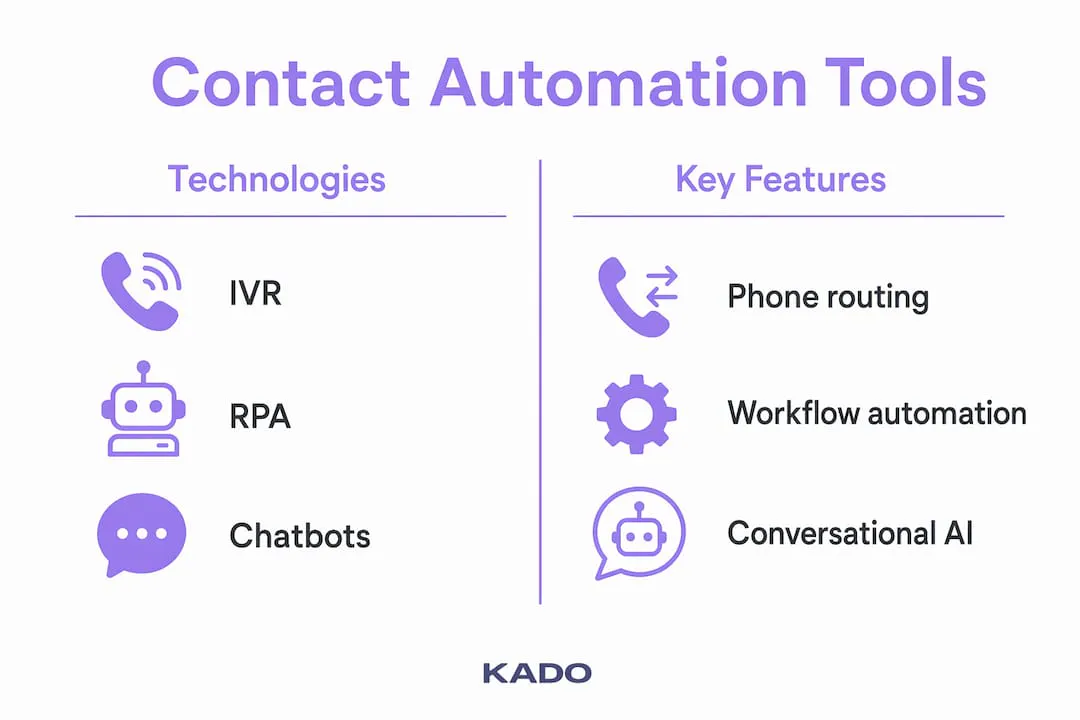
| Technology | Primary use case | Key strength | Notable limitation |
|---|---|---|---|
IVR systems | Phone self-service and routing | Fast call deflection for common queries | Limited by caller patience and menu depth |
Chatbots and virtual agents | Conversational support across digital channels | Always available, handles high volume | Struggles with nuanced or emotionally sensitive queries |
RPA (Robotic Process Automation) | Backend task automation and data transfer | Precise, repeatable, works across legacy systems | Requires stable interfaces; breaks when UI changes |
Intelligent call routing | Skill-based and intent-based distribution | Matches contacts to the right agent fast | Dependent on accurate intent detection and agent tagging |
Workflow orchestration platforms | End-to-end process automation across systems | Connects triggers to multi-step actions across tools | Higher implementation complexity and configuration time |
Contact automation encompasses all of these technologies, each supporting different parts of the interaction spectrum. The mistake most organizations make is treating these as independent purchases rather than components of a coordinated system. An IVR that does not share data with your CRM, and a chatbot that cannot trigger your ticketing system, are tools running in silos. They automate tasks but do not automate outcomes.
A widespread misunderstanding is focusing on conversational bots alone rather than full process integration, which produces limited returns. Your automation tools need to execute business actions, not just hold conversations.
Best practices for implementing contact automation
Getting contact automation right requires more than selecting good software. The architecture you build around it determines whether it delivers genuine value or becomes a source of contact frustration.
Start with these implementation principles:
- Integrate with your CRM first. Automation that cannot read or write to your contact records is decorative. Pull contact history into every automated interaction and push updated data back after each touchpoint.
- Design for smooth AI handoffs. Effective contact automation orchestrates full customer interactions including escalation rather than just deflection. Build your handoff triggers around clear signals, not guesswork.
- Maintain context across channels. If a contact starts on chat and moves to a phone call, that agent needs the full prior conversation. Context continuity is what separates mature automation from a collection of disconnected tools.
- Audit your workflows quarterly. Contact behavior changes, and so do your products and processes. A workflow that worked perfectly six months ago may now route contacts incorrectly or pull outdated information.
- Use a digital contact ecosystem approach. Rather than automating individual tasks, think about the full lifecycle of a contact from first capture to long-term relationship, and design automation that supports each stage.
For organizations in professional services, real estate, or enterprise sales, contact automation use cases extend into event follow-up, networking contact capture, and client communication scheduling. These are high-frequency, high-value interactions where manual handling creates both errors and missed opportunities. Explore efficient contact networking to understand how the foundation of good contact management sets automation up for success.
Pro Tip: Track three metrics from day one: first-contact resolution rate, average handling time, and CRM record accuracy. These tell you whether your automation is actually resolving issues or just moving them around.
My honest take on where most organizations go wrong
I’ve spent considerable time working at the intersection of contact management and automation technology, and the pattern I keep seeing is the same. Organizations invest in automation tools and then measure success by how many interactions the bot “handled.” That is the wrong metric entirely.
In my experience, the organizations that get the most from contact automation are the ones that treat it as an orchestration problem, not a deflection problem. They ask: how do we intelligently distribute tasks between machines and people based on what each does best? That framing leads to better architecture, better handoffs, and better outcomes for contacts.
What I’ve learned is that integration depth determines everything. A chatbot connected to your CRM, your calendar, your ticketing system, and your follow-up workflows is a different tool from a chatbot that only answers text. The former resolves issues. The latter keeps contacts busy until they give up.
The future I’m watching closely involves AI that moves from reactive to proactive. Instead of waiting for a contact to reach out, predictive automation identifies when a contact is likely to need help or is ready to buy, and initiates the right touchpoint first. That is where the real transformation sits. And organizations that have built strong integration foundations today will be the ones positioned to take advantage of it.
— KADO
How KADO helps you put contact automation into practice
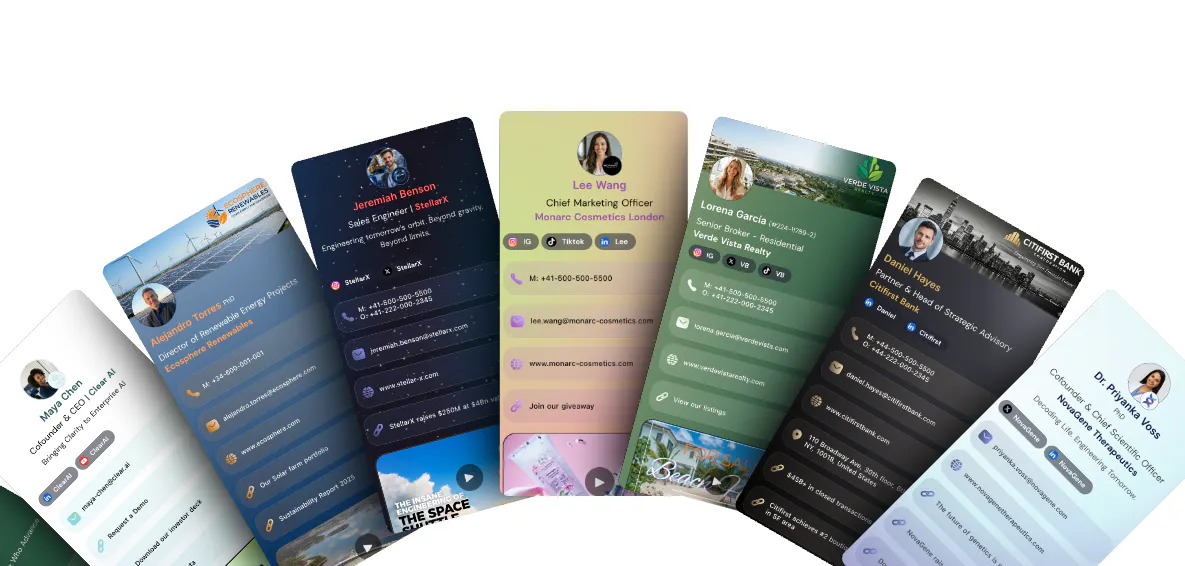
If this article made one thing clear, it’s that contact automation without solid contact capture and management is a shaky foundation. Kadonetworks gives professionals and teams the tools to capture contacts automatically at events, organize them instantly, and trigger follow-up workflows without manual data entry. Whether you are measuring trade show contact ROI or managing an ongoing client pipeline, the platform handles the repetitive work so your team focuses on relationships. Digital business cards with QR code and NFC sharing feed contacts directly into your system, while automated contact management keeps every record current and every follow-up on time.
Häufig gestellte Fragen
How do you measure whether contact automation is working?
Track first-contact resolution rate, average handling time, and CRM data accuracy from the start. These three metrics reveal whether your automation is genuinely resolving interactions or just displacing effort elsewhere in the workflow.
Is contact automation only for large enterprises?
No. Contact management automation tools exist at every budget level, and even small teams benefit from automating contact capture, follow-up emails, and CRM updates. The complexity of implementation scales with organizational size, but the core value applies broadly.
How does contact automation differ from just using a chatbot?
A chatbot handles conversations. Full contact automation connects those conversations to backend systems like CRM, ticketing, and scheduling tools so that interactions result in real business actions, not just replies.
What is contact automation in simple terms?
Contact automation means using software, AI, and workflow logic to handle contact-related tasks automatically, from routing inquiries to updating CRM records, without requiring manual effort for each step.